01
The ChatGPT desktop app
Use the plugin in the ChatGPT desktop app on macOS or Windows.
 AskAVideo
YouTube Conversation · By AskAVideo
Add YouTube Conversation, the free plugin by AskAVideo, from the ChatGPT listing, then turn the spoken ideas in any public captioned YouTube video into a discussion—with answers linked to exact moments.
Opens the official ChatGPT plugin listing · no file to download
Your first conversation
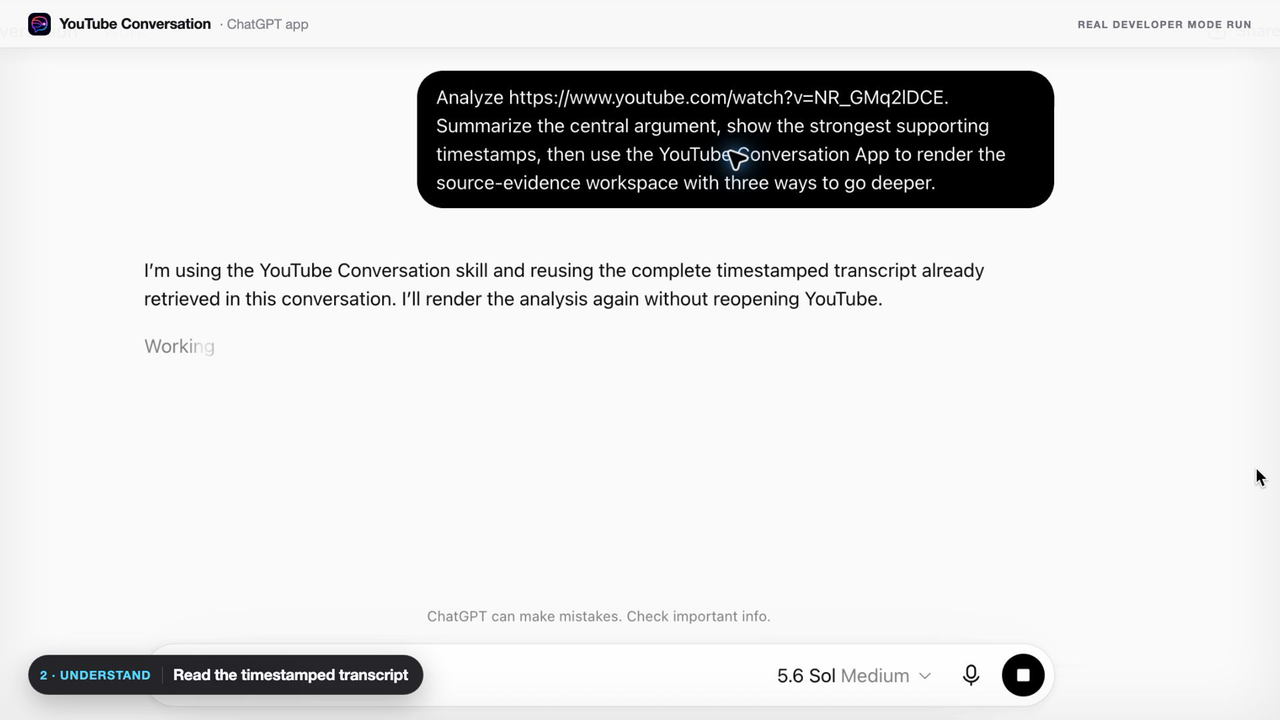
Paste the link and question together. YouTube Conversation will try to open the source and retrieve the available timestamped transcript automatically.
Use a public video with captions.
Put the link and question together.
Keep talking and verify the answer.
For your first conversation
01
Use the plugin in the ChatGPT desktop app on macOS or Windows.
02
Attach Google Chrome so the plugin can reach the available transcript through your browser session.
03
The video needs an available timestamped transcript or captions.
You do not need these ready just to add the plugin. If first use does not open the source, follow the one-minute Chrome setup guide.
Three steps
Visit the YouTube Conversation listing in ChatGPT.
ChatGPT installs YouTube Conversation directly. There is no file to download or installer to run.
Paste the public captioned video link and your question together in ChatGPT. YouTube Conversation should activate and open the source automatically.
Try this first
https://www.youtube.com/watch?v=VIDEO_ID
Explain the main idea, clarify anything confusing, and show me the exact moments.
If ChatGPT answers without opening Chrome, start the same message with @YouTube Conversation to force activation.
If YouTube’s timestamped transcript rows do not load after the automatic attempt, open the exact video in Chrome, keep that tab open, and retry the same request. That is a recovery step, not part of normal setup.
AskAVideo uses your Chrome session to reach the actual YouTube page. The video must be available to you and offer a public transcript or captions. Removed, private, or transcript-free videos—and videos whose YouTube transcript panel never finishes loading—cannot be discussed from the source yet.
After you get a useful result
Ask follow-up questions, inspect transcript passages and check the video at the cited timestamp. Website generation has ended.
See the plugin workflow →