Why ordinary video notes fail
Most note-taking workflows capture information but stop before understanding. A long video becomes a flat page of bullets, the source disappears, and the notes are rarely reopened.
A stronger workflow keeps three things connected: the spoken idea, the exact source moment, and the question you still have. That turns the video into something you can revisit and interrogate rather than a file you merely save.
The four-step workflow
- Choose a public YouTube lecture, explainer, interview, documentary, or tutorial with captions.
- Paste the URL into ChatGPT with AskAVideo enabled.
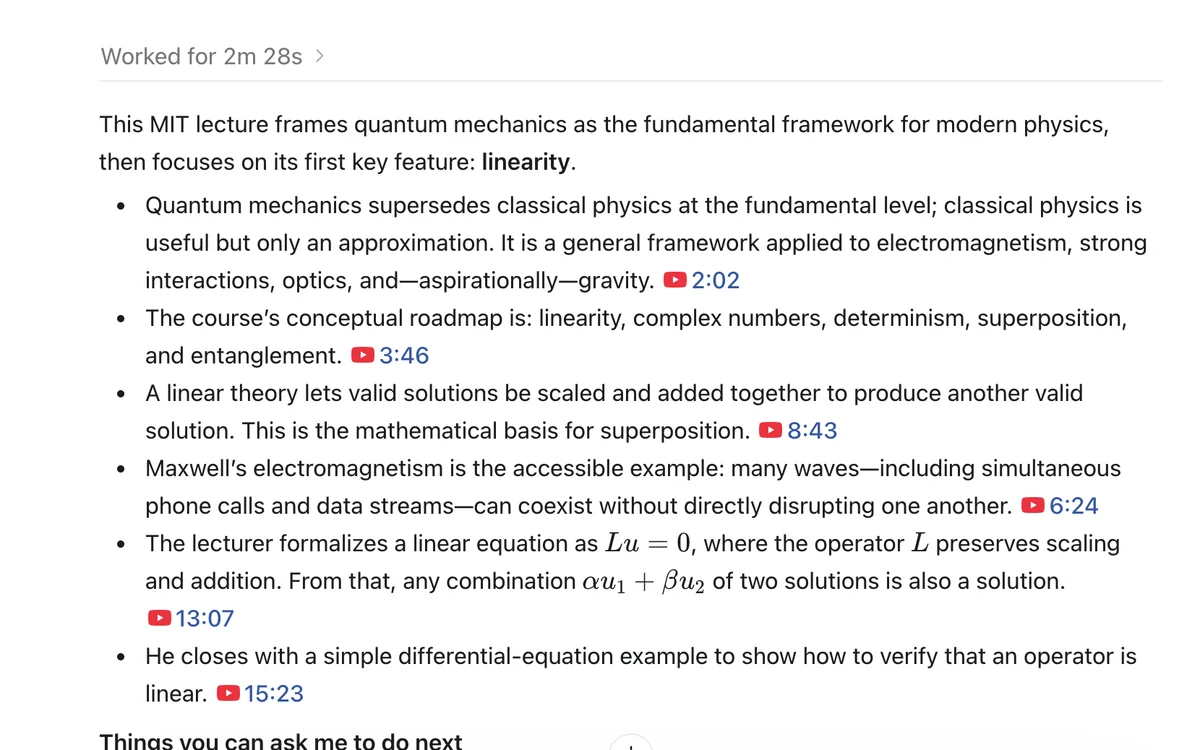
- Ask for structured notes with timestamp links, not just a summary.
- Use follow-up questions and a self-test to find what you do not understand yet.
https://www.youtube.com/watch?v=VIDEO_IDCreate study notes from this video. Organize them into key concepts, definitions, evidence, examples, and unresolved questions. Link every major idea to the exact timestamp, then quiz me with five questions that test understanding rather than recall.
A useful study-note structure
- Central question: What problem is the video trying to explain?
- Key concepts: The few ideas required to follow the argument.
- Evidence and examples: What the speaker uses to support each idea.
- Connections: How the ideas depend on or contradict one another.
- Unresolved questions: What the transcript does not establish.
- Timestamp index: Direct links back to the moments worth revisiting.
Use it as a map. Return to the source when a claim matters, ask for another explanation when an idea is unclear, and test yourself before you decide you understand it.
Follow-up prompts that create real learning
- “Explain the most difficult idea using a different example.”
- “Which two concepts are easiest to confuse, and how can I tell them apart?”
- “What would a thoughtful critic challenge in this argument?”
- “Turn these notes into a spaced-repetition review plan for the next seven days.”
- “Ask me one question at a time and adapt the difficulty to my answers.”
What the workflow can and cannot capture
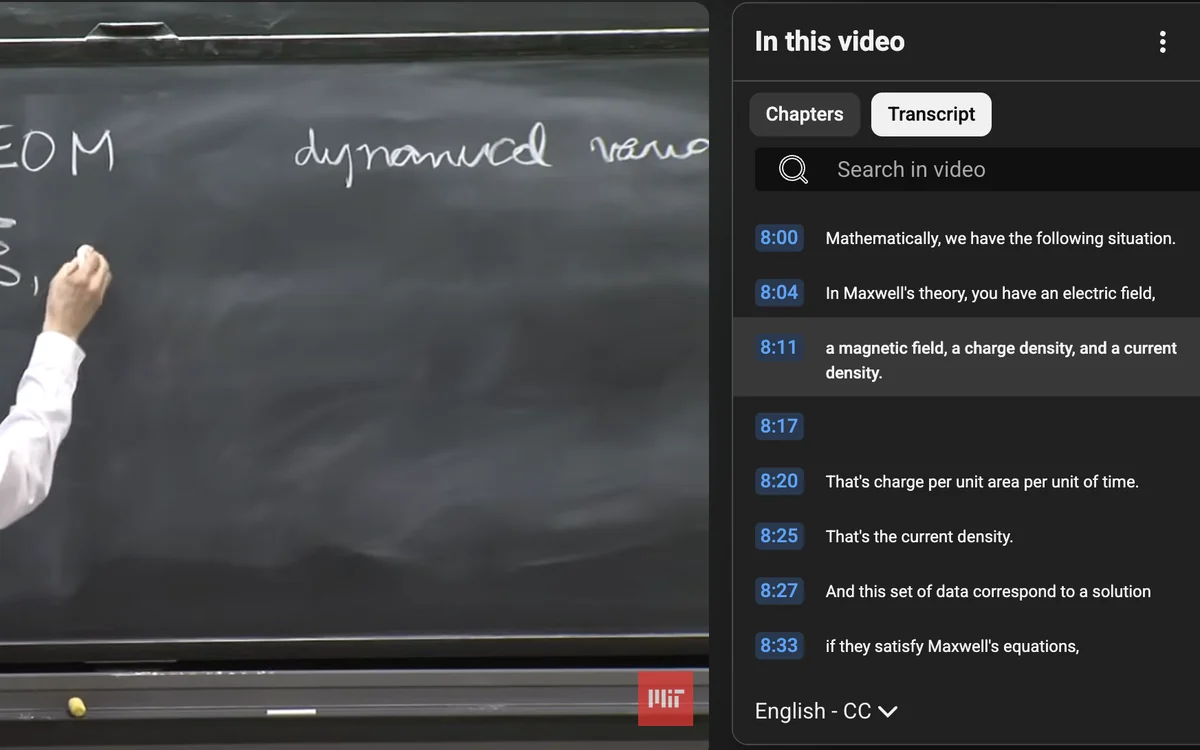
AskAVideo works from the complete available timestamped transcript displayed on the public YouTube page. It is well suited to spoken explanations, claims, definitions, comparisons, and examples.
V1 does not claim to understand a silent diagram, gesture, or on-screen action that was never described aloud. Private, removed, region-blocked, or transcript-free videos are not supported. If visual detail matters, return to the linked timestamp and inspect the source directly.
Study notes versus a fixed summary
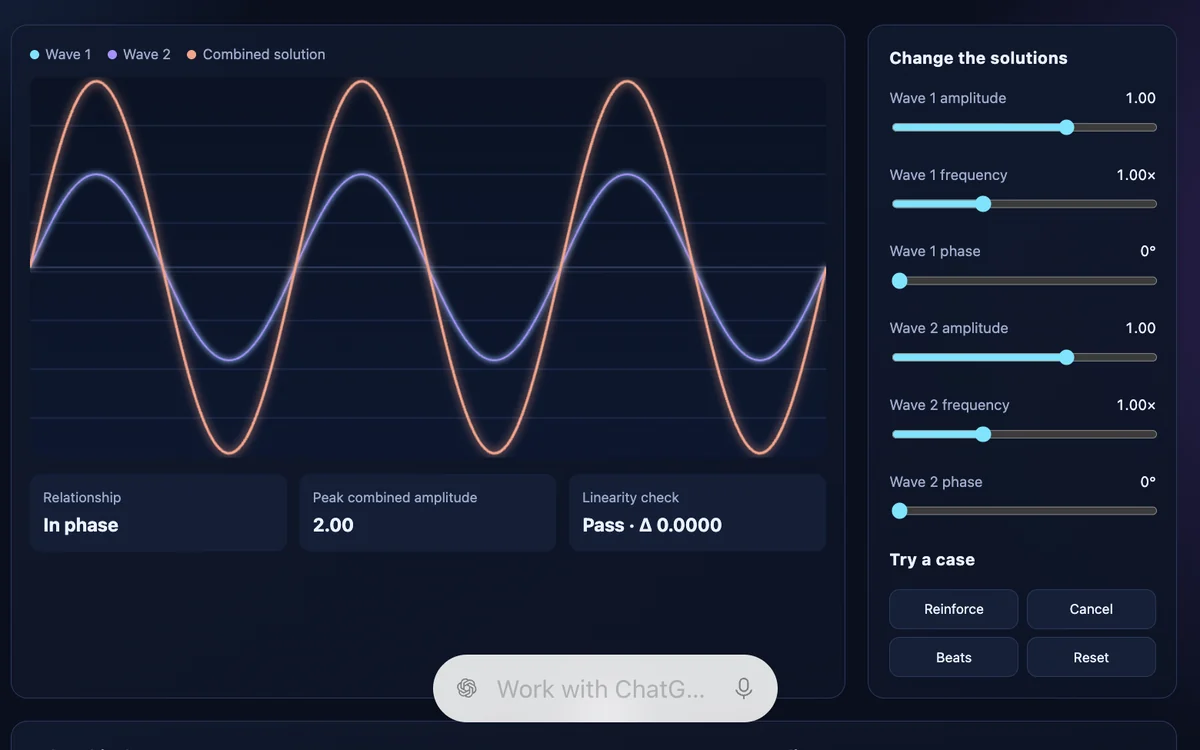
A summary is one output. A transcript-grounded conversation can keep going: clarify an idea, challenge a claim, connect it to prior knowledge, build flashcards, or create a practical artifact from the framework.
If your first job is understanding rather than note-taking, start with how to ask ChatGPT questions about a YouTube video. The YouTube ChatGPT plugin guide explains installation and supported videos.
Keep exploring in ChatGPT
Ask a follow-up question or open a timestamped citation to check the source.