01
Choose a video.
Copy a public YouTube link for a video with captions. YouTube Conversation opens the source through your connected Chrome session when you ask.
 AskAVideo
How it works
Paste a public captioned YouTube video into ChatGPT. Ask the question that made you pause.
Show me how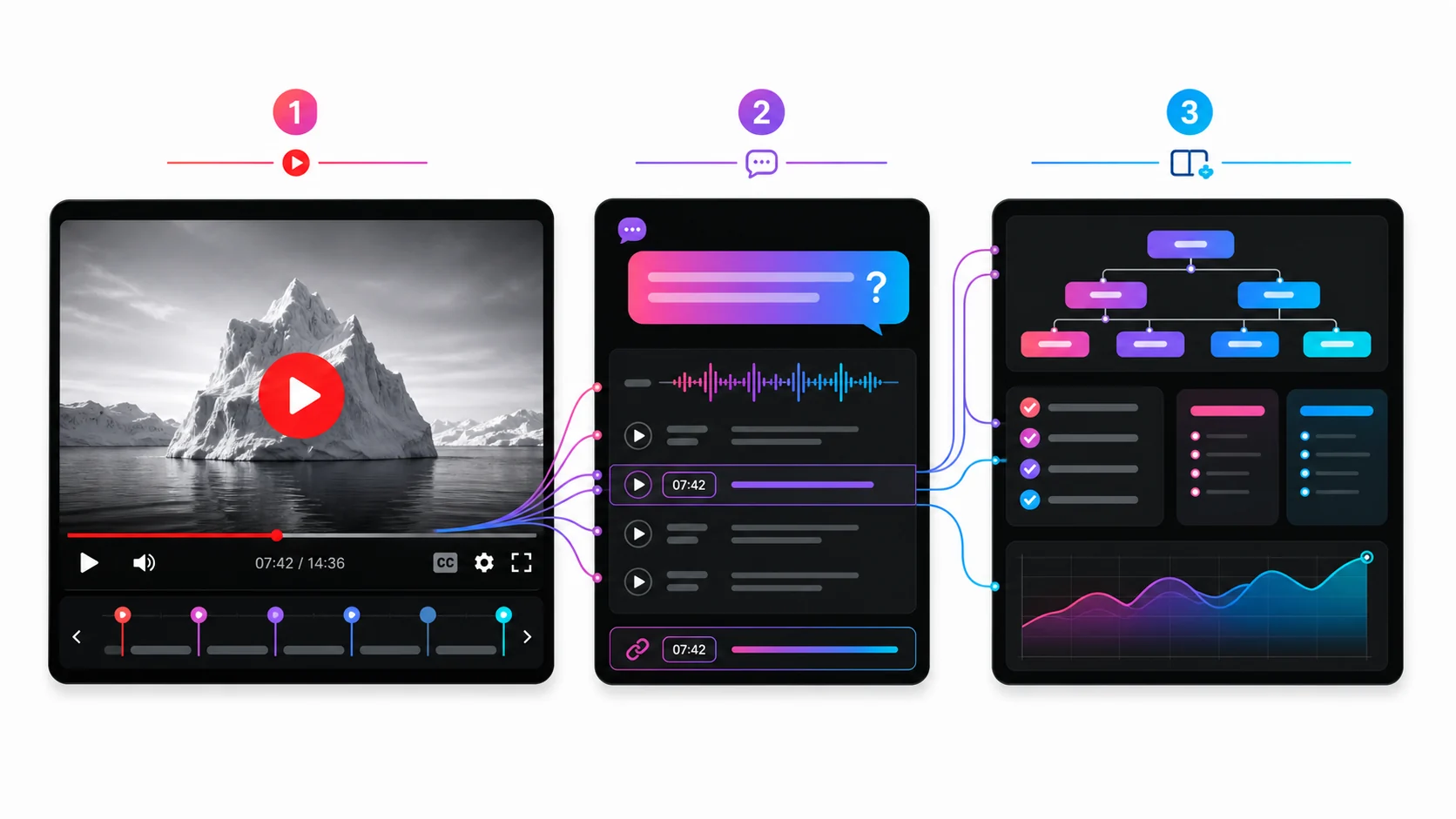
Four simple steps
Copy a public YouTube link for a video with captions. YouTube Conversation opens the source through your connected Chrome session when you ask.
One YouTube URL is all you need.
Put the link and your real question in the same ChatGPT message.
Check the exact moment. Ask a follow-up. Go deeper.
Choose a direction
Explore the library
Each guide answers one practical question. Start with the outcome you need.
Understand and use
Check and compare
Set up and evaluate
Ready?
Ask follow-up questions, check the transcript, and open timestamped moments in the source.
Get practical ways to apply video lessons, product tips and occasional AskAVideo offers.